Messages delivered, with proof
Your message lands in the inbox where each company reads its contact form. For every one you see the filled-in form and the page the site showed after sending.
We fill in the contact form on each company's website with your message and collect the emails and phone numbers the site lists. A form that does not go through costs nothing.
$0.09 for each form that goes through, so $10 covers about 111. No subscription. Credit never expires. Full API included.
Sample data, not real results. Recorded in the app, sped up.
All three come with every campaign at no extra cost. You pay $0.09 for each form that goes through.
Your message lands in the inbox where each company reads its contact form. For every one you see the filled-in form and the page the site showed after sending.
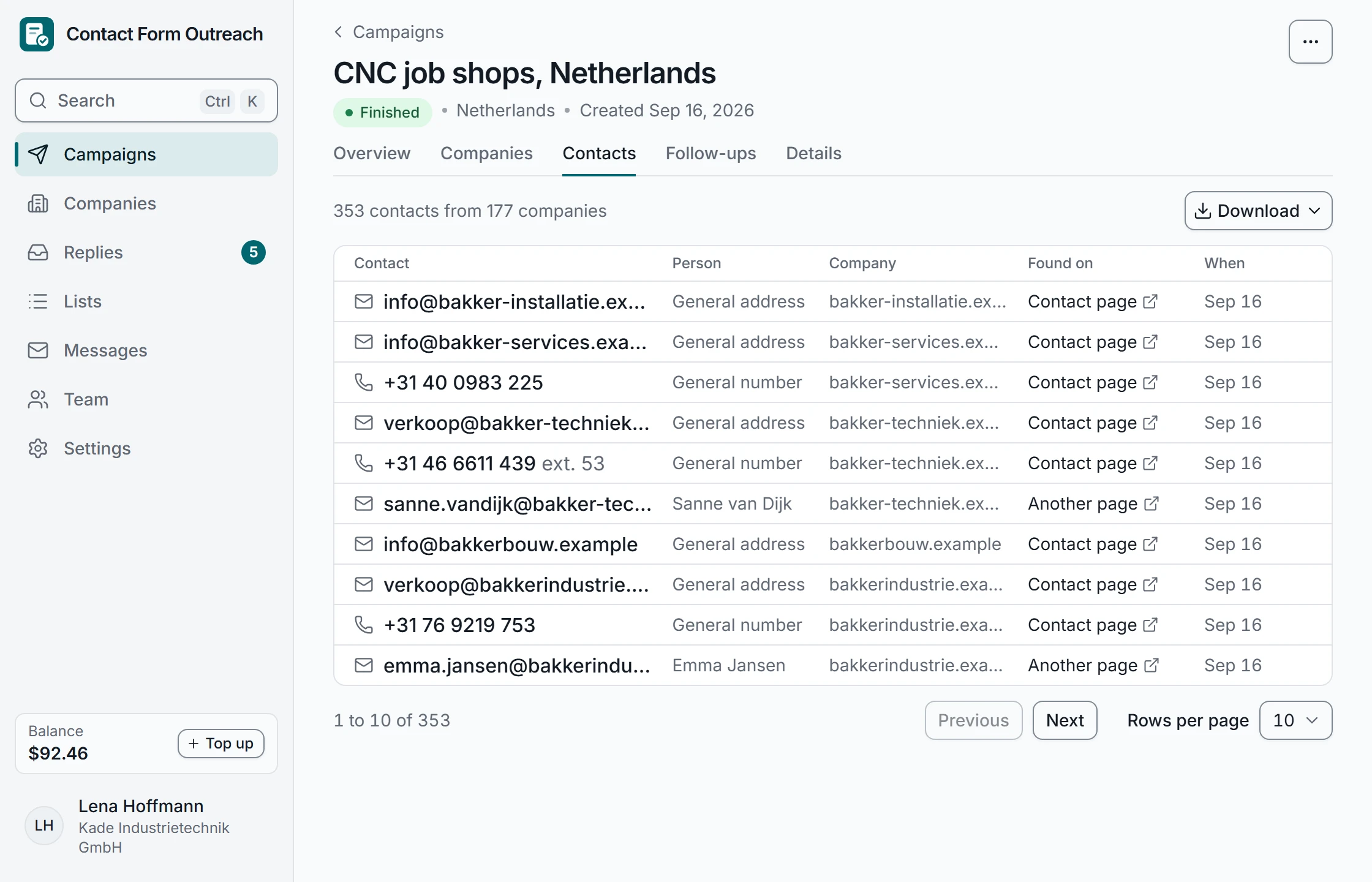
The emails, phone numbers and WhatsApp numbers each site lists, with named people where they appear. Download as a spreadsheet (Excel or CSV).
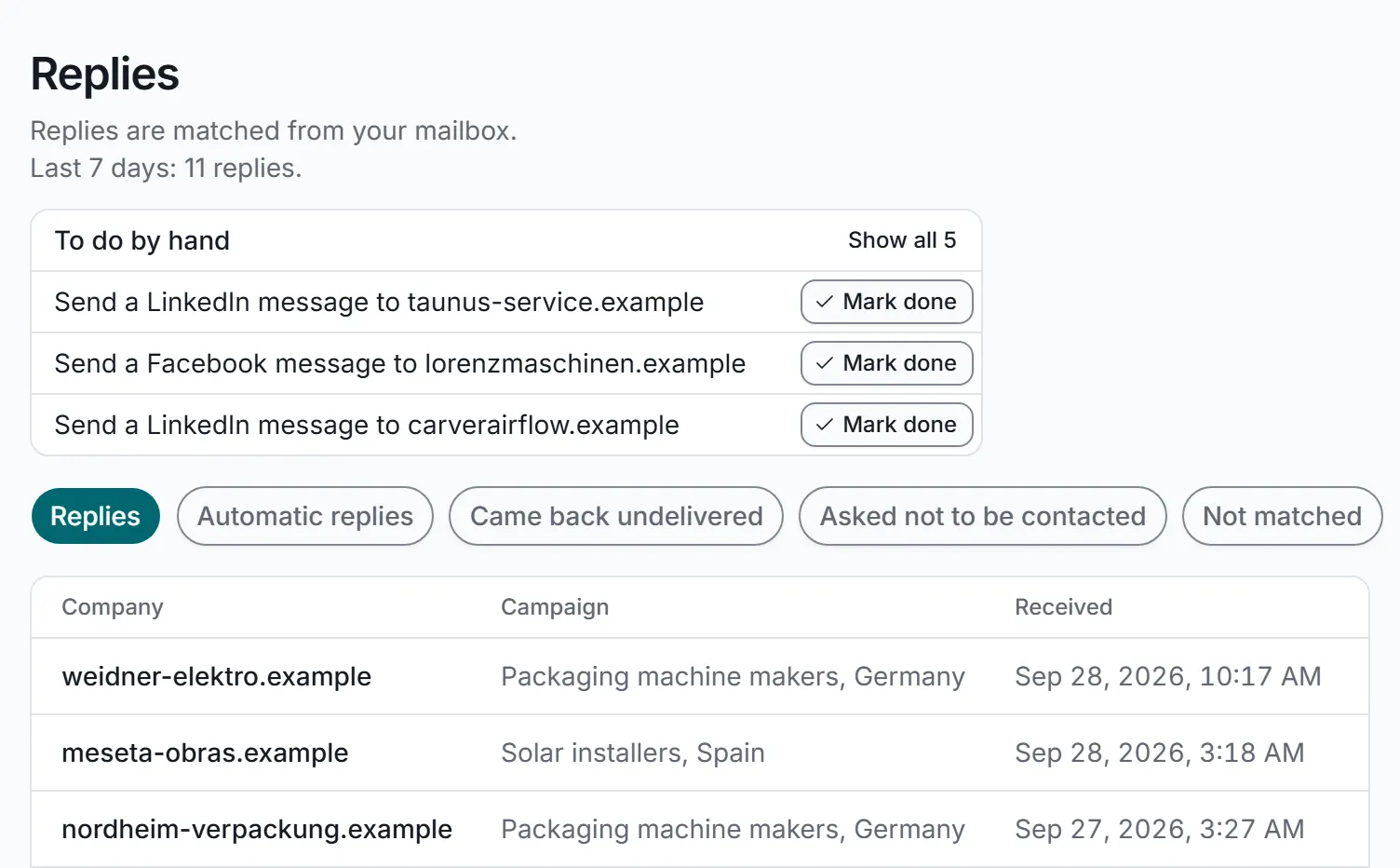
Answers come back matched to their campaign and company. Out-of-office messages, undelivered emails and "take me off your list" replies are sorted for you.
How contact collection works
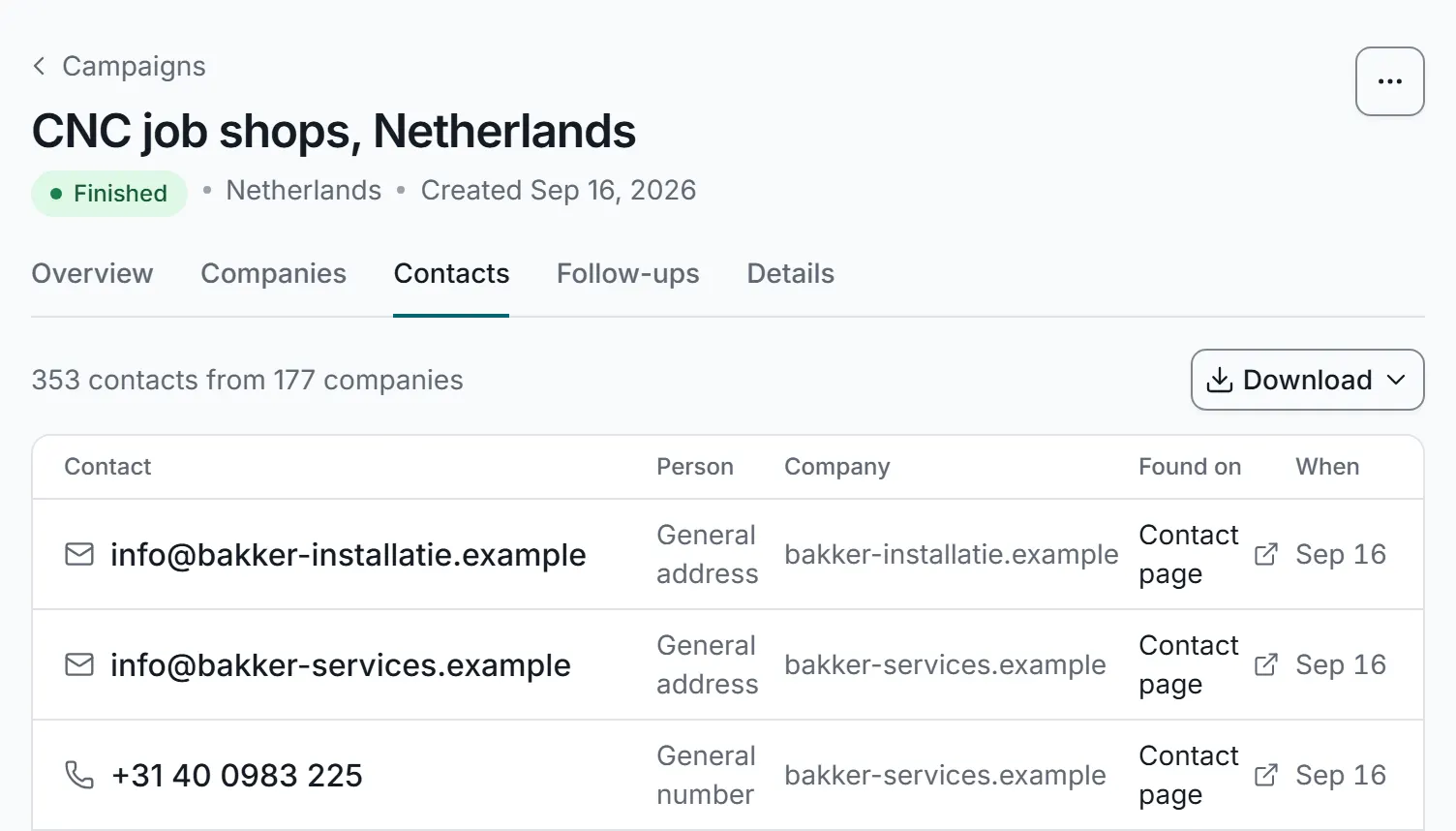
On a company's website we scan the contact page and find the email address sales@northwind.example, the phone number +31 20 555 0143 and a named person, Anna de Vries in Sales, with her own email address. Each one becomes a row in your spreadsheet with the contact, its type, the person's name and the page it was found on: 3 contacts found. Then you download the list as a spreadsheet (Excel or CSV).
Also included
Every campaign shows what was delivered, what the websites confirmed and who replied, in one view.
A real screen from the app, shown with sample data.
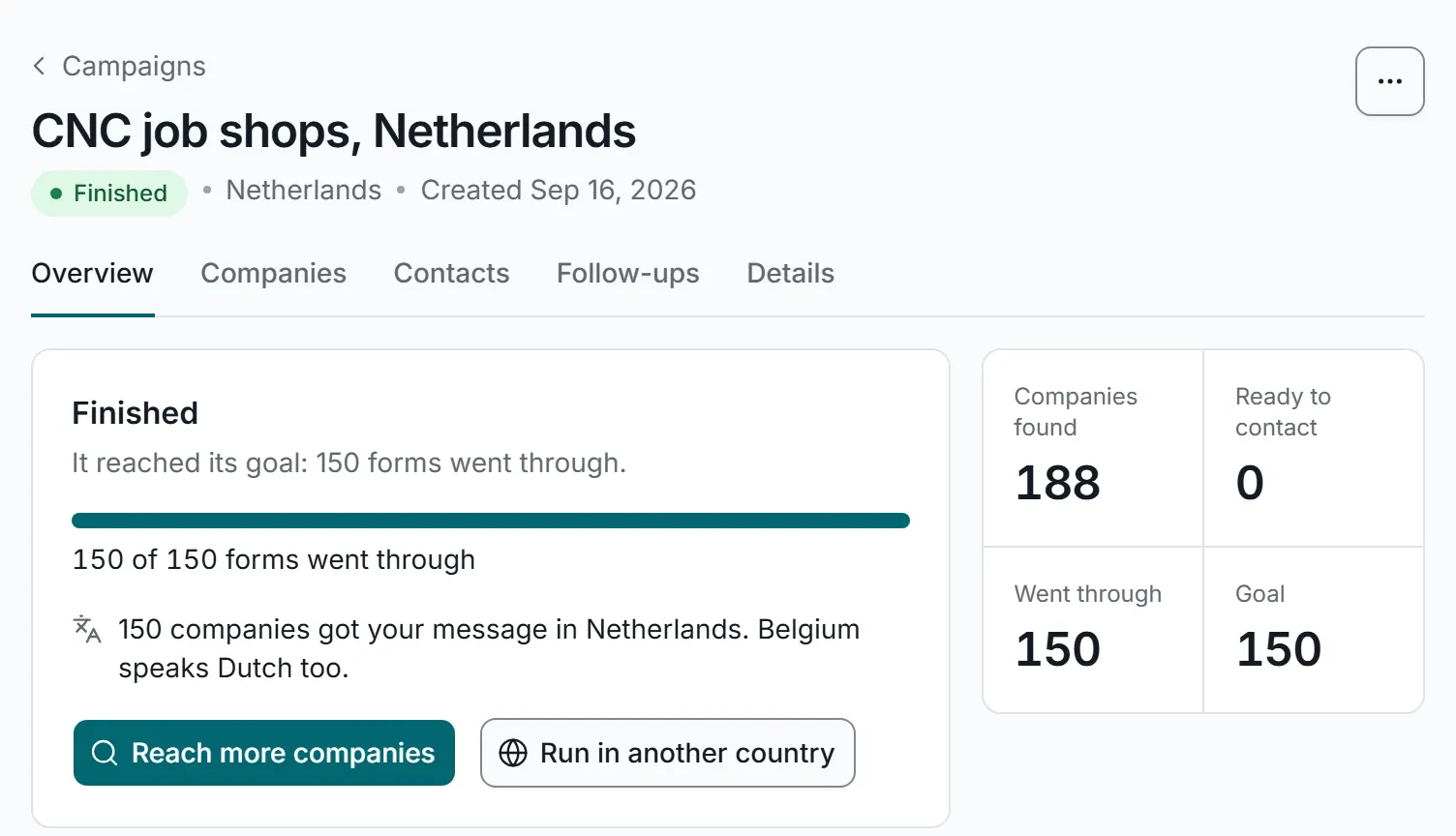
A silent recording of the app with sample data.
We find the companies for you, or you bring your own list. Either way, nothing is sent until you approve the list.
Best for: finding new customers
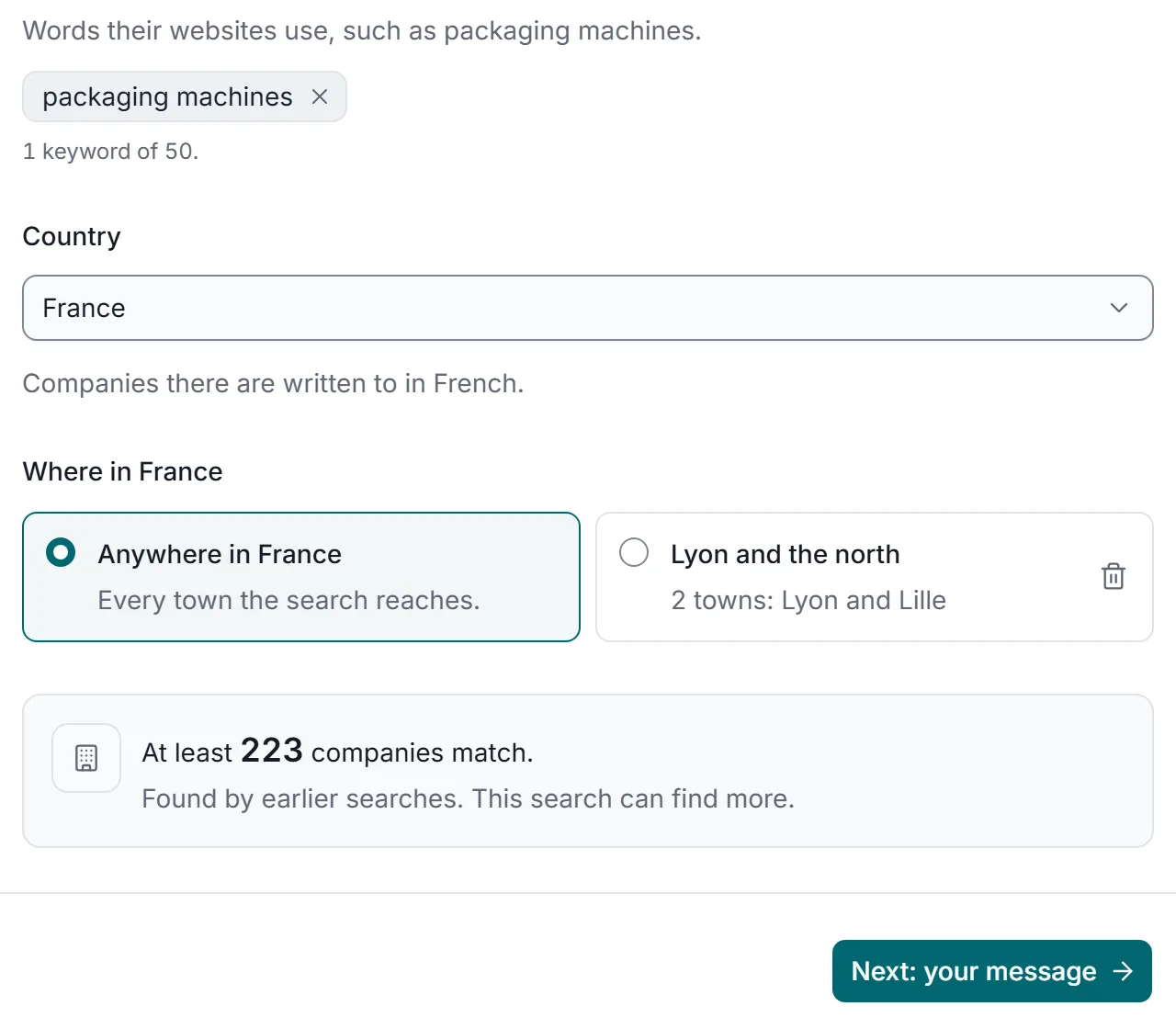
Words and a country
Type what the companies do, like "packaging machines", and pick a country.
We find their websites
The company websites that show up in search results for those words, in that country.
Your list of companies
Check it before anything is sent. Save it as a list or download it as a spreadsheet.
Price$0.09 for each form that goes through, plus the search cost, shown before you start. Unused money comes back when the campaign ends.
Best for: agencies and lists you already have
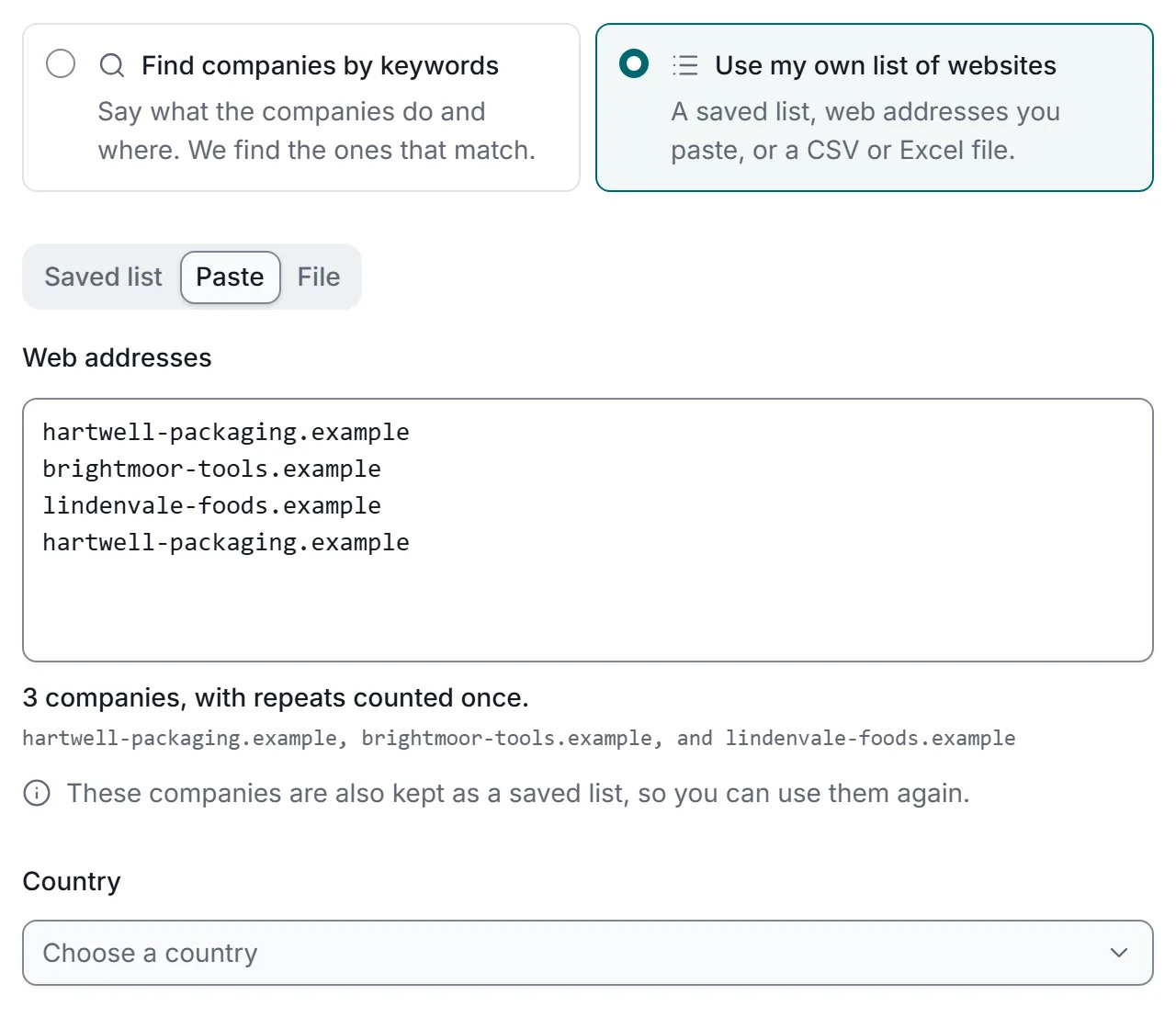
Bring a list of websites
Just each company's website, like example.com. No contact page links needed.
SpreadsheetPasted web addressesSaved list
A web address that appears twice is counted once, so no company gets your message twice from one campaign. Saved lists never hold a company twice.
Each company is contacted once.
We do the rest
We find each contact page, send your message, and collect emails and phones with the page they came from.
Price$0.09 for each form that goes through. No search cost.
Either way
Set it up once. Your second campaign takes minutes because the pieces are already there.
All of this stays in your account for the next campaign:
Real screens from the app, shown with sample data.
While we fill in each form, we read the website and collect the contact details it lists. One campaign gives you messages delivered and a fresh contact list.
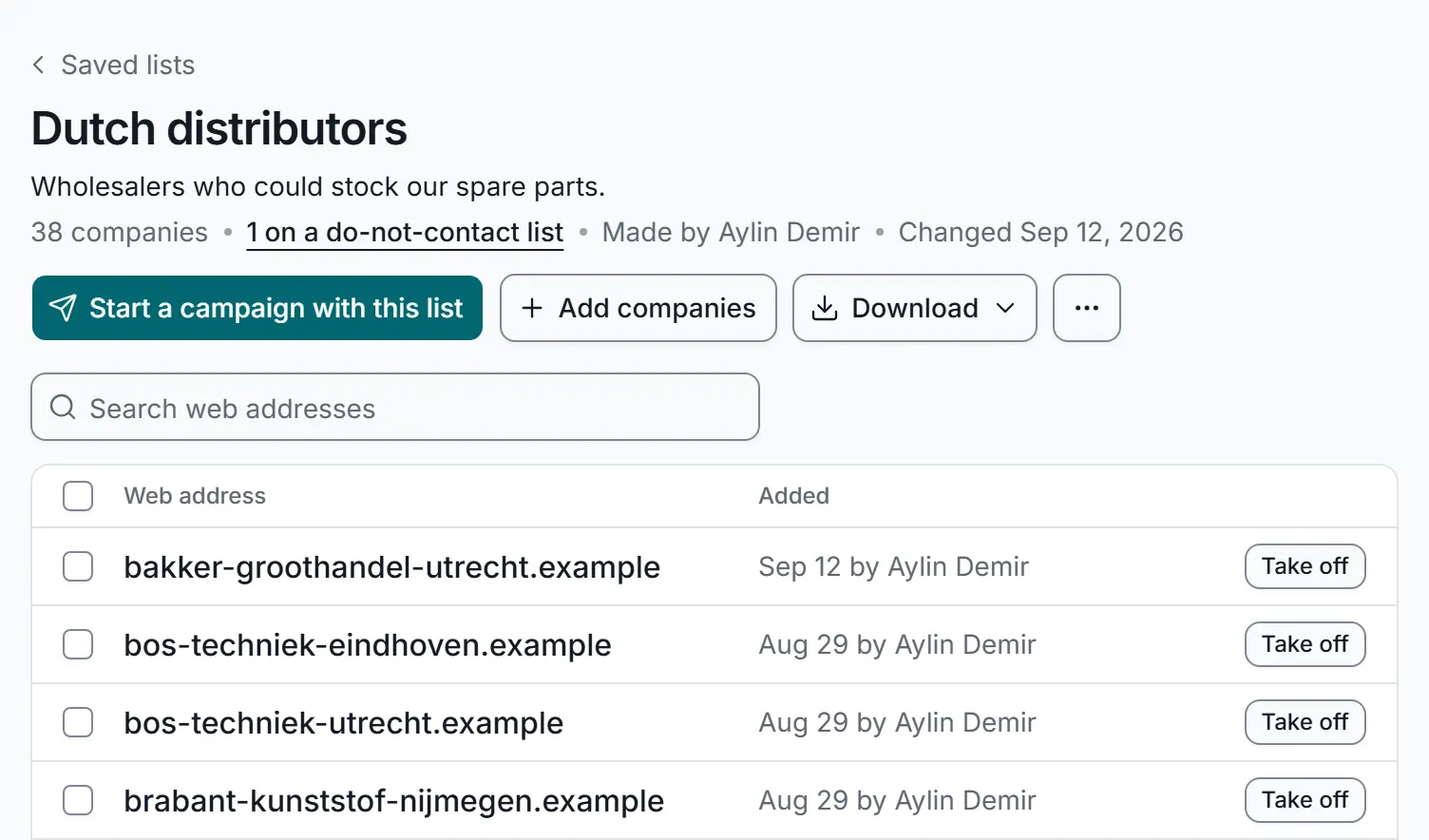
A list of companies is simply their websites, like example.com. No contact page links and no emails needed: we find the contact page and the contact details ourselves. Keep lists your whole team can use and start a campaign from any of them.
Replies are matched to their campaign and company, and rules hand them to the right person on your team.
Sending contact forms by hand takes minutes per company. Contact Form Outreach does it for you in the background.
By hand, each company takes six steps: find the website, find the contact page, read the form, copy and paste the message, fill in the fields, and send. In the time it takes, you send 2 forms and spend about 8 minutes. With Contact Form Outreach, after about 15 minutes of setup the forms are sent in the background while your own time stays at 0 minutes. Not to scale.
You save about 66.4 hours, about 8 working days.
By hand
$2,000
66.7 hours of your time at $30 an hour, at Our estimate, not a measurement: finding the contact page, reading the form and filling it in takes about 4 minutes per company. Copying the emails and phones the site lists would take longer still.. You would also copy the emails and phones yourself.
With Contact Form Outreach, your own list
$98
$90.00 in credit at most, at $0.09 for each form that goes through, plus $7.50 for about 15 minutes of your time to set up. Contact collection included. If we find the companies for you, the search costs extra, shown before you start.
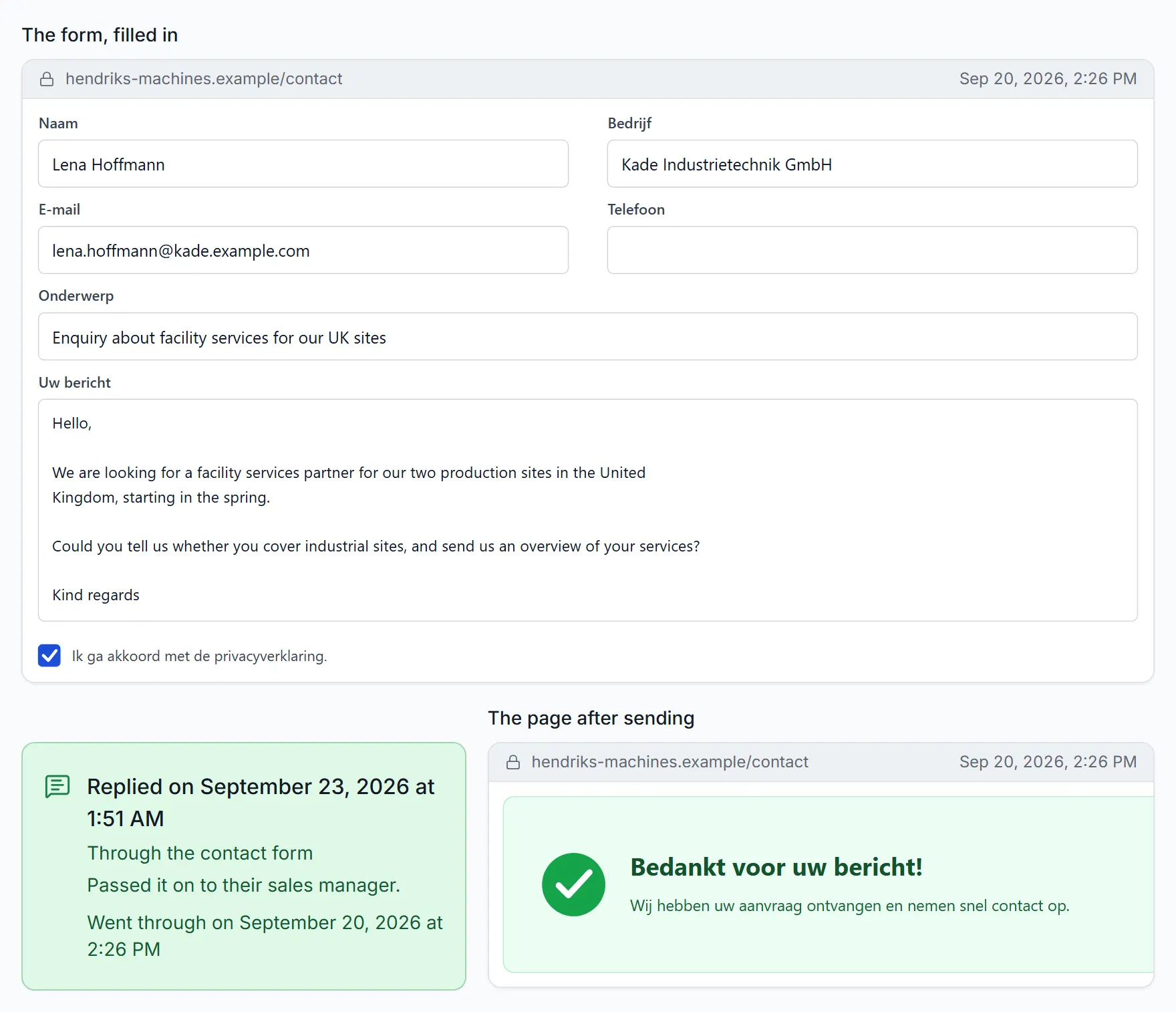
Every delivered message comes with a picture of the form filled in and of the page the site showed after sending. Here is one from the sample data.
Date and time of delivery
When the website accepted your message, to the minute. Replies are added with their own date.
Page address and time stamp
Each picture shows the address of the page it was taken on, with the date and time.
The form, filled in
Exactly what we typed into each box of the website's own form, just before sending.
The page after sending
The confirmation the website showed back. The company's history also notes what that page said.
Forms that do not go through cost nothing: their credit comes back, each with a plain reason.
Pictures are kept for 90 days.
$0.09 for each form that goes through. Contacts, replies, proof, the API and webhooks included.
$0.09 for each form that goes through
Top up from $10. Credit never expires. No subscription.
Add credit when you need it, or turn on automatic top-up. Unused credit stays on your account.
What a top-up covers
$10 covers about 111 forms that go through.
Example: a $10.00 top-up fills your credit. Each form that goes through takes $0.09, so after five forms the balance is $9.55.
Finding companies: when we find them for you, the search has its own cost, shown before you start, and unused money comes back when the campaign ends. Bring your own list and there is no search cost.
Sending to many companies each month, or running campaigns for several clients? Email us and tell us about your plans.
hello@contactformoutreach.comIllustration: one account runs campaigns for five fictional clients at once, each with its own target list and delivered count.
Rules differ by country, so check the ones that apply to you. This is not legal advice.
No spam folder, no weeks of waiting and no contact list to buy.
Contact form
Cold email
Contact form: your message is typed into the company's own contact form, sent, and arrives in the company inbox. Delivered. Cold email: each email has to get through domain warm-up and spam filters, and some end up in the spam folder instead of the inbox.
| Topic | Contact forms | Cold email |
|---|---|---|
| Where your message lands | The inbox where they read their contact form, checked by the people who answer | A crowded inbox, or the spam folder |
| Waiting time before you can send | None. Start today | Weeks of sending test emails before you can send |
| Contact details | Emails and phones collected in each campaign at no extra cost | Bought separately, often $0.10 to $0.30 per contact, and some no longer work |
| Setup | Pick companies, write one message, approve the list | Extra web addresses, email accounts and technical set-up |
Compare reaching the same companies through their contact forms and with cold email.
Start with $10. It covers about 111 forms that go through.
$90.00
At most: 1,000 companies times $0.09, plus the search and any security-check amount you set, both shown before you start.
Some forms ask a security question before they send. A campaign only pays for help with those if you set an amount for it, and never spends more than that. A form that does not go through costs nothing.
$161 to $421
first month, using typical public list prices
Uses your own list
Upload each client's list of companies, run every client from one account, and show each client the proof.
Either way
Work through your own list of accounts or let us find new companies, then add the emails and phones we collect to your sales tools.
We find the companies
Describe who you sell to and write to your first hundred companies without buying a list.
We find the companies
Find distributors, resellers or suppliers in a new country and write to them in their own language.
Every action in the app is also available through the API, webhooks tell your software when something happens, and the prices are the same. Keys are made in the app, under Settings › API keys.
# Send an approved campaignPOST /v1/campaigns/{id}/send Authorization: Bearer $API_KEYIdempotency-Key: send-7f3a202 Accepted{ "kind": "submit", "state": "queued" }# Then your endpoint hears backPOST https://your-app.example/hooks { "type": "response.recorded" }Anything not covered here? Email us at hello@contactformoutreach.com.
It sends your message through the contact form on each company's website and collects the email addresses and phone numbers those sites list. You see what was delivered and the proof, and replies come back to one inbox.
$0.09 for each form that goes through. A form that does not go through costs nothing. When we find the companies for you, the search has its own cost, shown before you start, and unused money comes back when the campaign ends. Bring your own list and there is no search cost.
$10, which covers about 111 forms that go through. There is no subscription and credit never expires. Forms that do not go through are returned to your credit. Credit already used for forms that went through is not refunded.
Two ways. We find the companies: type what they do and pick a country, and we collect the company websites that show up in search results for those words. Or you bring the list: paste web addresses, reuse a saved list or upload a spreadsheet (Excel or CSV), with no search cost.
No. Nothing is sent until you approve the list, and companies on your do-not-contact list are always skipped.
The email addresses and phone numbers published on each company's website, including landline, mobile and WhatsApp numbers and named people where the site lists them. Download them as Excel or CSV.
A contact form is the channel a company set up to hear from people. There is no spam folder in between, no weeks of sending test emails before you can start, and no list of guessed addresses to buy. Read the full comparison.
Yes, at no extra cost. Every action in the app is also available through the API, webhooks tell your software when something happens, and the prices are the same. Endpoints, webhooks and examples are on the Developers page.
Start today with $10. It covers about 111 forms that go through. Replies come back to one inbox, with proof of every delivery and a ready contact list.